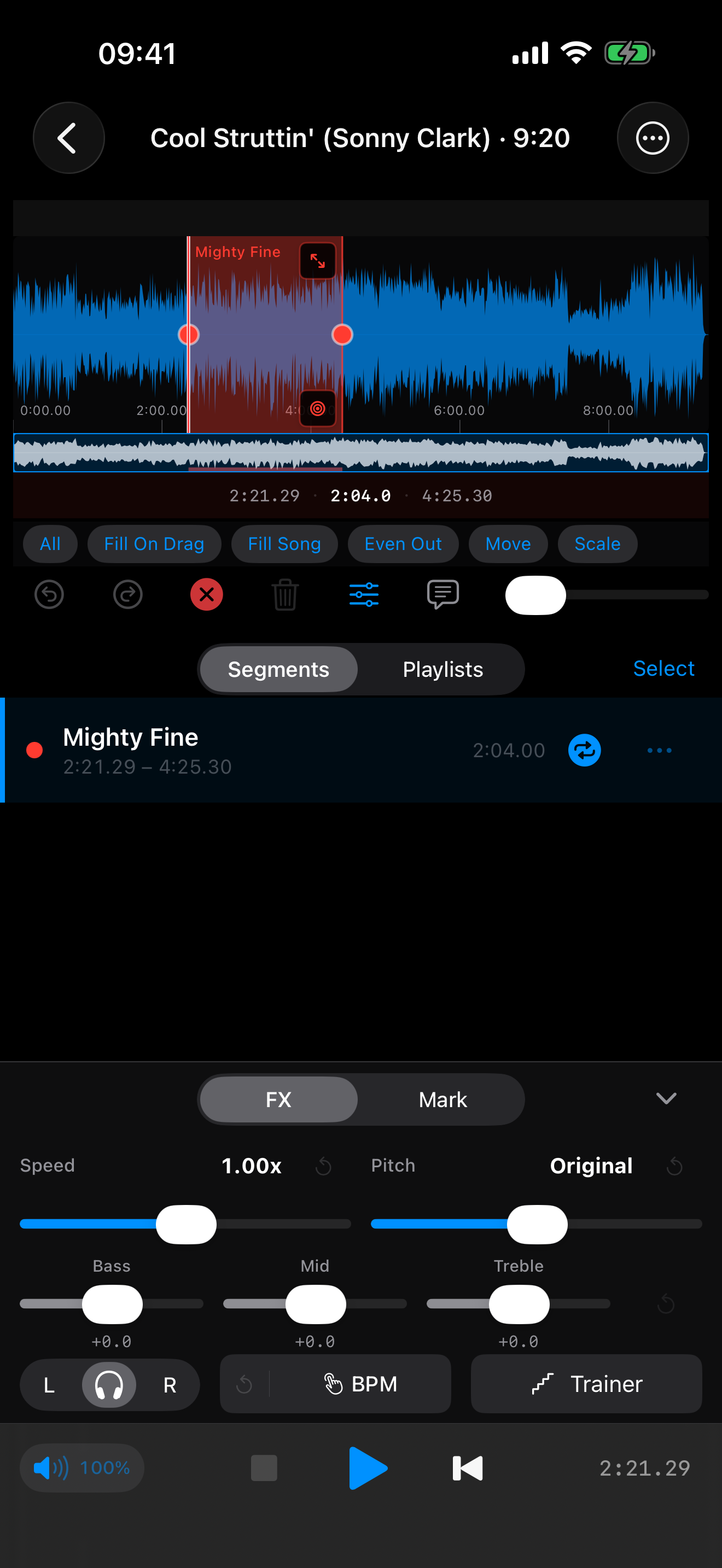
Slow without the shift.
25% to 300% speed, pitch locked. Every ghost note stays in tune.
PhraseLooper Transcribe by ear
Every player learned the language the same way — by lifting it off the record. PhraseLooper slows any track to a crawl without warping the pitch, and loops the phrase until your ear catches every note. Build your vocabulary one line at a time.
There was never a shortcut, and there still isn’t. Bird, Trane, Wes, Jaco — they sat with the record and ran it back until the notes stopped hiding. Whether it’s a bebop head or a Hendrix solo, the language gets passed down the same way: not from a book, but from your ear to your hands. PhraseLooper doesn’t do the work for you. It just clears everything out of the way of it.
Drag across the waveform to grab the bars you're chasing — a lick, a turnaround, a whole chorus.
Drop to a quarter speed with the pitch locked dead-on, so you hear the inner voices and the articulation — not a chipmunk.
The phrase repeats, seamless, as many times as it takes. Your ear does the rest.
Mark it, write the fingering right on the timeline, save the loop. Tomorrow you pick up where you left off.
25% to 300% speed, pitch locked. Every ghost note stays in tune.
Drag out a phrase on the waveform; it loops clean. Save as many as you want per tune.
Nudge the pitch to match your horn, or transpose to a friendlier key.
Pull the EQ to spotlight a register — boost the lows to chase the bassline, cut them to hear the comping.
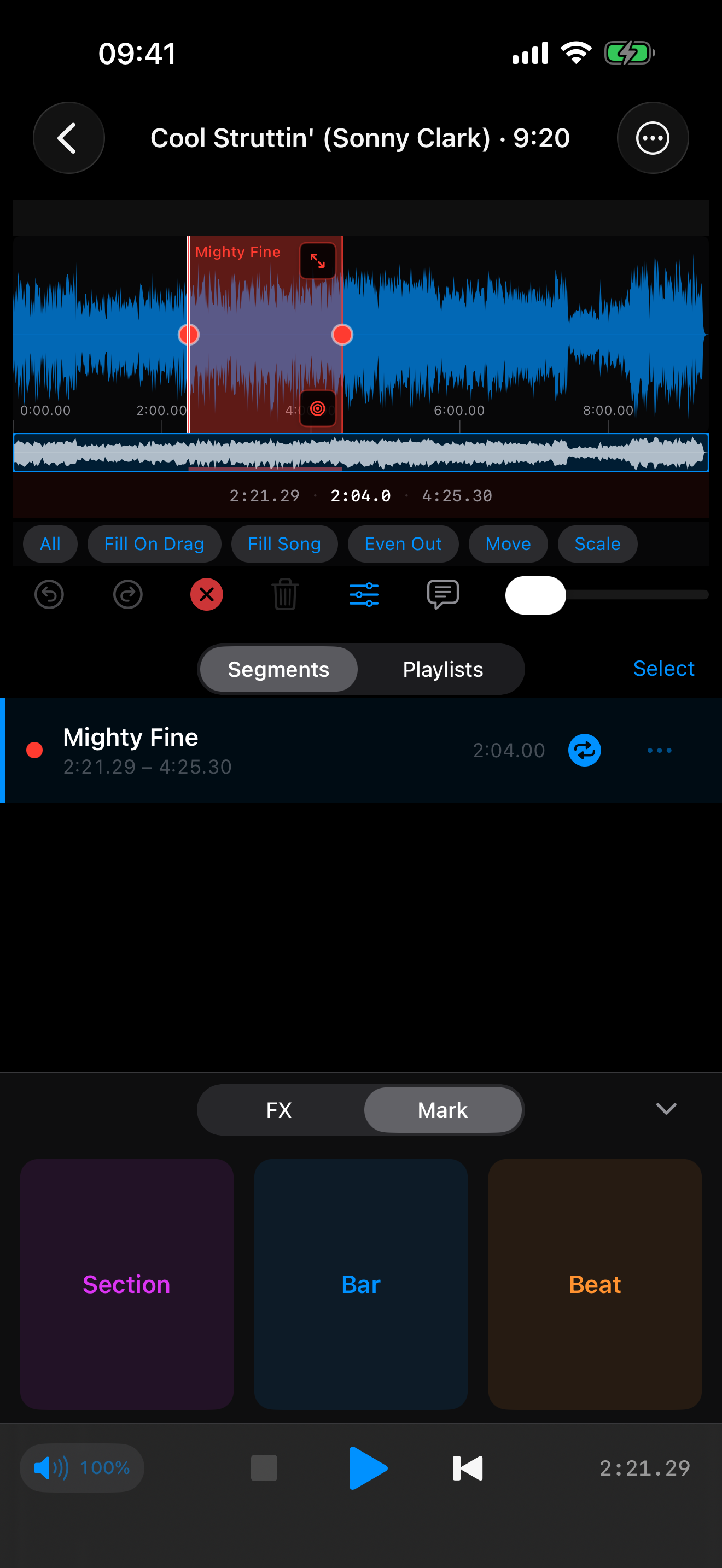
Drop section, bar, and beat markers. Jump straight to the bridge or the shout chorus.
Pin notes and chord symbols on the timeline — “watch the triplet,” “Db7alt here.”
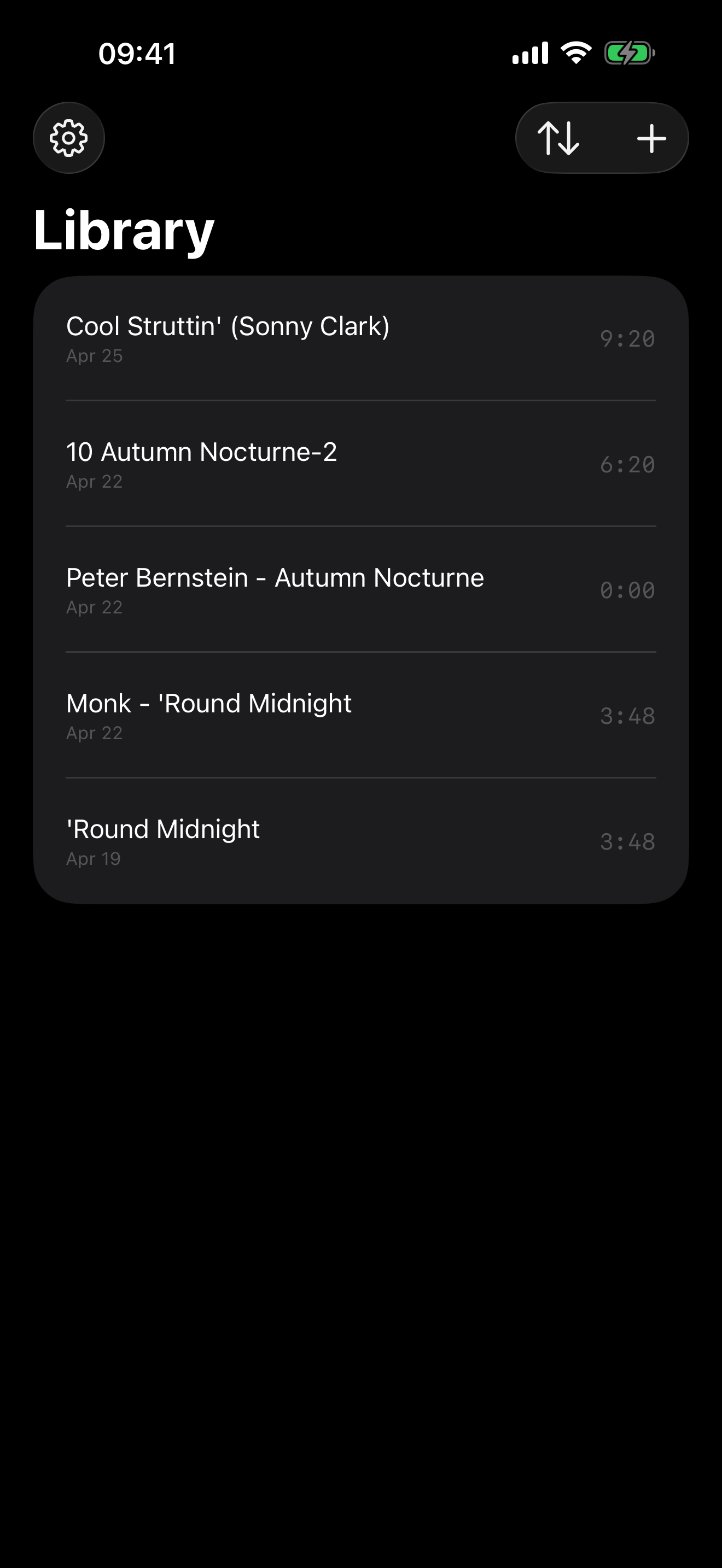
iPhone in the practice room, iPad on the stand, Mac at the desk. Your library and your loops sync across all three.